
Using Azure Event Hubs as message broker
Akka can connect to Azure Event Hubs for consuming and emitting events.
Setting up the Event Hub
Follow the Azure documentation to create a resource group, a namespace and a hub: Azure Event Hubs Quickstart
Make sure to define a number of partitions of at least the highest number of service instances you expect your Akka service to scale out to. For example the default upper limit with Akka is 10 instances.
Shared Access Policy for the hub
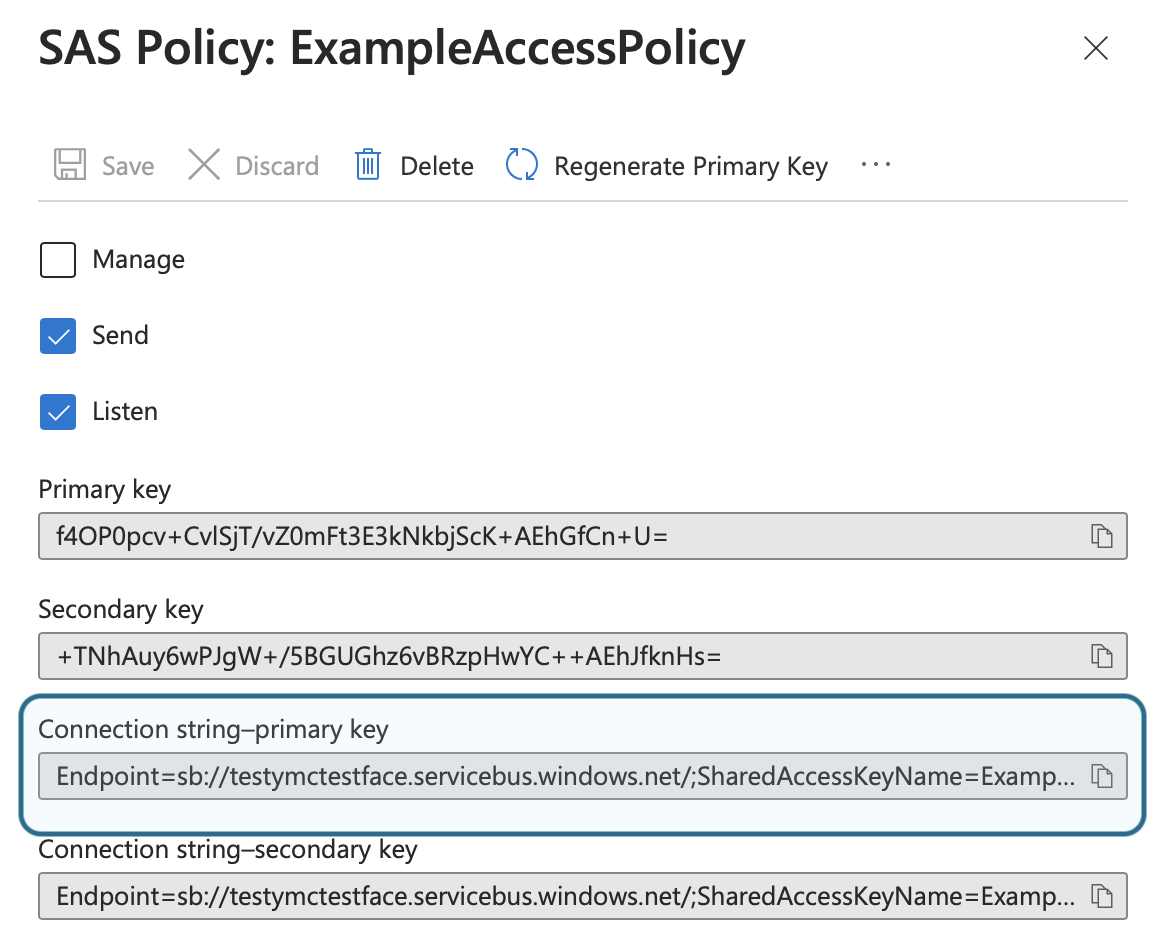
Create a shared access policy (SAS) for the "namespace" or the individual hub, if the individual hub is used that is the only hub that can be accessed from the services. With the namespace all hubs created in it can be accessed.
Note the connection string primary key, the string should start with Endpoint:
Set up the check point store
Azure Blob Storage is used for checkpoint storage of consumers so needs to be set up as well as the event hub itself.
Create a storage account, a blob container and set up a "connection string" as described in the Azure Event Hub Docs about checkpoint store
Note the account name and the container name you created.
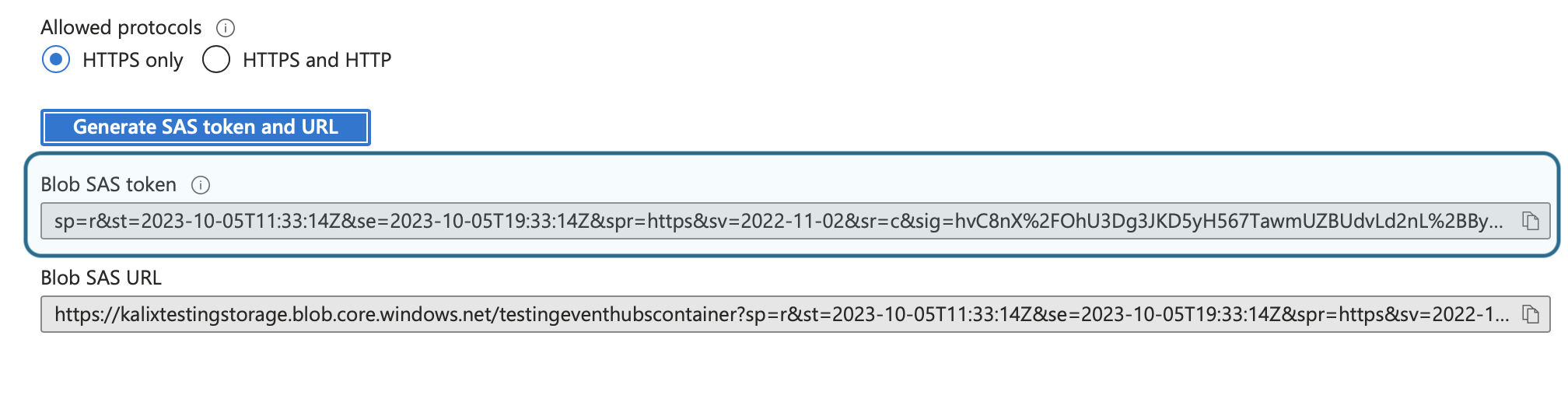
Under "Shared access tokens" for the created container, generate and note the Blob SAS Token:
Set up Akka access
Store the event hub connection string and the checkpoint store SAS token as Akka secrets:
akka secret create generic azure-eventhub-secret \
--literal connection-string="<hub connection string>" \
--literal store-sas-token="<store SAS token>"
Configure the broker:
akka projects config set broker \
--broker-service eventhubs \
--event-hubs-connection-string-secret azure-eventhub-secret/connection-string \
--event-hubs-checkpoint-store-sas-token-secret azure-eventhub-secret/store-sas-token \
--event-hubs-checkpoint-store-endpoint "https://<your-storage-account-name>.blob.core.windows.net" \
--event-hubs-checkpoint-store-container-name <your-container-name>
Special caveats when using event hubs as broker
Topic
In Akka terminology, the event hub name is the topic name. A component subscribing or publishing to a topic is equivalent with it subscribing or publishing to an event hub.
Retention
Events always have retention, if they for some reason are not consumed within the retention time they are lost. This could be for example if pausing a consuming service.
Consumer groups
Consumer groups in Azure Event Hubs must be created up front before Akka can use them except for the default consumer group ($Default which is automatically created when an event hub has is created)
For actions consuming an event hub the default consumer group is used.
This means that if more than one action in the same Akka service are consuming events from the same event hub, different consumer groups must be specified on each of the actions, or each will only see a subset of the events.
For views, the component name of the view is used as consumer group, and must be created up front in Azure.
Delivery characteristics
When your application consumes messages from Azure Event Hubs, it will try to deliver messages to your service in 'at-least-once' fashion while preserving order.
The ordering guarantee, that consumers see events in the order they were produced is per partition.
Cloud event subject metadata entry, if present, is used as partition key for events produced by an Akka service. If no subject metadata is available the events are spread over the partitions in a round-robin fashion.
Correct ordering is especially important for topics that stream directly into views using the transform_update option: when messages for the same subject id are spread over different partitions (or do not have partition keys), they may read stale data and lose updates.
|